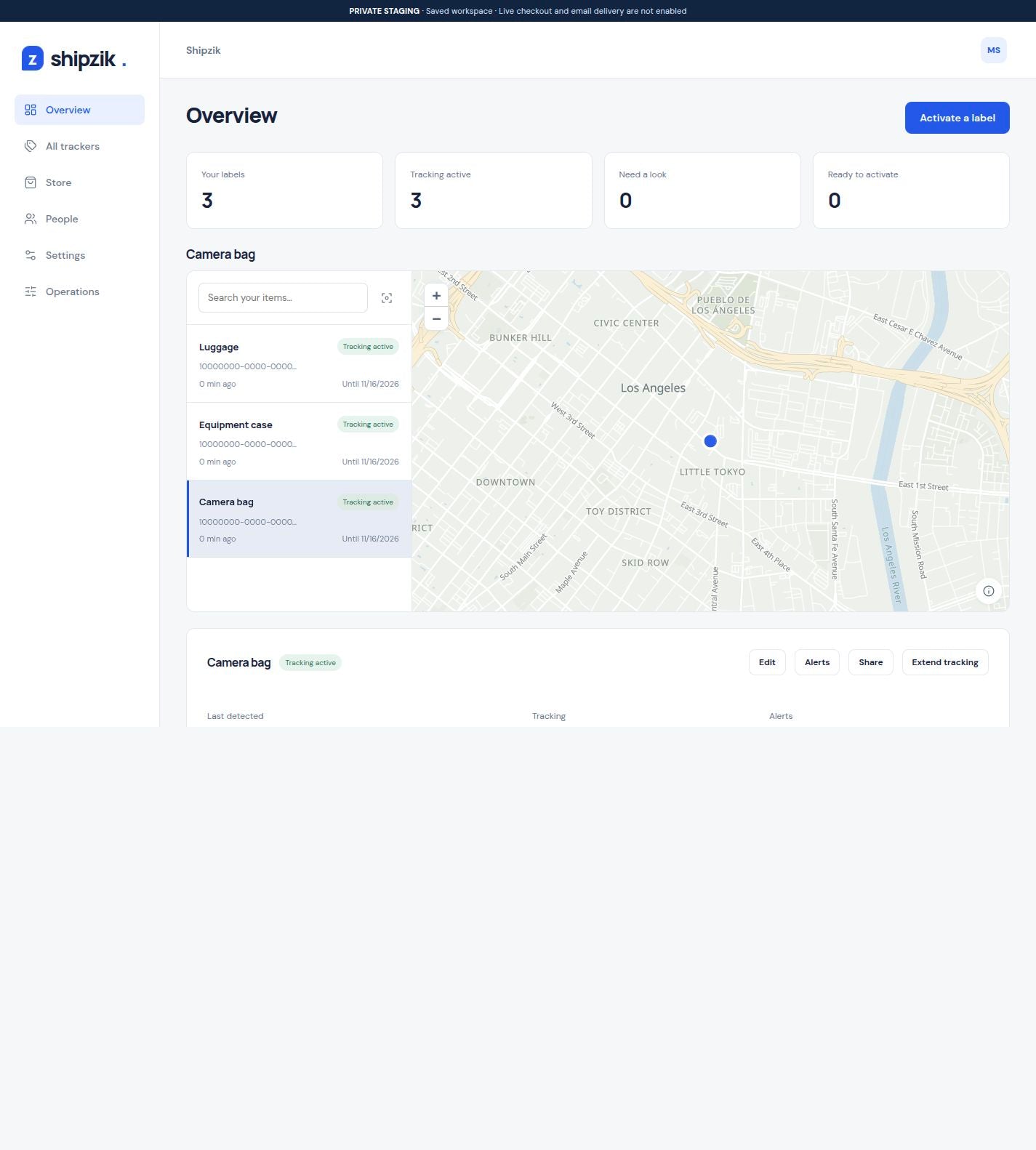
Customer shipments
Give a customer a tracking link they can open without signing up. Choose whether to include detection history.
Add a Shipzik Bluetooth label to the outer shipping box for a separate view of network detections. Share its last detected location and history with your customer alongside the carrier's tracking page.
3 labels: $16 + $10 shipping. $26 before tax.
Each label starts its own 30 days at activation.
Sample data. Changes stay in this demo.
OpenFreeMap · © OpenMapTiles · © OpenStreetMapA Shipzik label travels with the item. When Hubble’s terrestrial Bluetooth network detects it, the reported location and time appear in your account.
Give a customer a tracking link they can open without signing up. Choose whether to include detection history.
Add an item photo and an order or project reference so your team can tell similar boxes apart.
Follow a case sent to a customer or another site. Use a destination alert to share a qualifying nearby detection.
Keep using your carrier’s tracking page for shipment events and delivery confirmation. Open Shipzik for a separate record of your label’s detected locations, history, and alerts.
Carrier tracking vs. label tracking| Carrier tracking | Shipzik label |
|---|---|
| Events in the carrier’s shipment record | Locations reported when the network detects the label |
| Delivery estimates, when available | Last detected location, time, and history |
| Delivery confirmation, when provided | Destination alerts; receipt confirmed separately |
Scan it into your account, name the shipment, and add a reference. Peel the backing and confirm activation to start the included 30 days.
Set a destination and radius in feet or miles. Choose recipients for that alert, including people outside your account.
Send the customer one tracking link. Your team can review locations and alerts together in History.
Send destination updates to the customer and detection-gap alerts to your team. Each alert has its own recipients.
Choose first detection, not detected, tracking ending, or detections near or away from a place. Sharing can be turned off whenever you need.
How to share shipment trackingNo. Shipzik uses Bluetooth and Hubble's terrestrial receiver network. A reported detection shows the receiver location and time; the label does not calculate an onboard GPS position. Updates depend on receiver availability and can have gaps. Compare Bluetooth and GPS.
Yes. Keep the carrier's shipping label and tracking number for its shipment events and delivery confirmation. Shipzik adds a separate record of label detections; it does not buy postage or replace the carrier's tracking service. See what each record shows.
Yes. Share the item's tracking link so the customer can open it in a browser. You control whether the link includes detection history and can turn sharing off. Your item photos, references and descriptions remain private. Set up customer sharing.
No. A qualifying detection near the destination can trigger an email alert, but proximity is not proof that a recipient received the shipment. Use the carrier or recipient to confirm delivery. Understand destination alerts.
Attach the label to the outer packed carton or mailer, keeping it off a collectible slab, card holder or original retail box. Scan the label, peel the backing and confirm activation when the shipment is ready. Each label starts its own 30 days. Follow the first-shipment checklist.