Camera & production cases
Add a photo and kit reference so similar cases are easy to identify when your team checks their last detected locations.
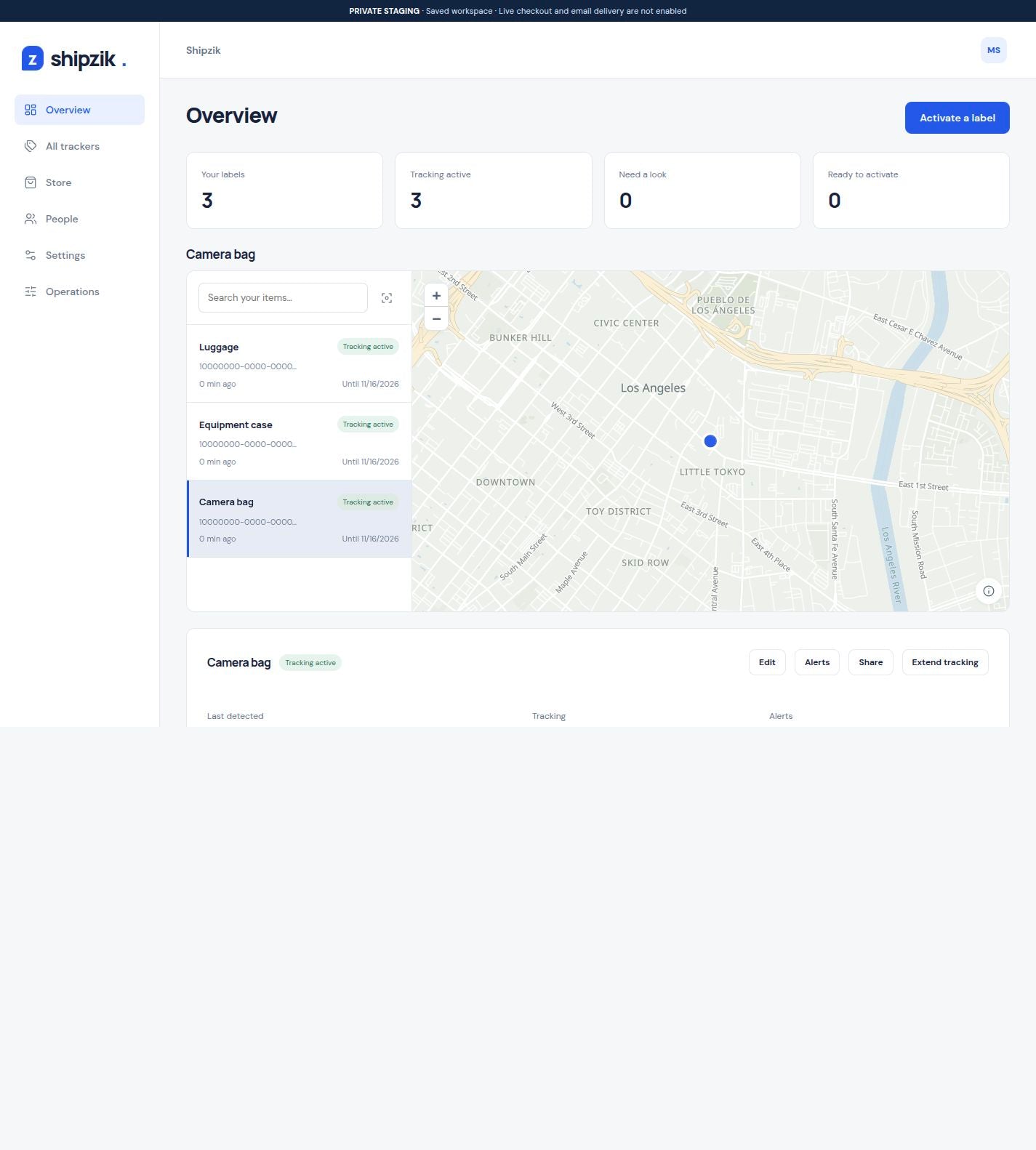
Give each equipment case a Bluetooth tracking label and a clear item record. Review last detected receiver locations, history and email alerts in one shared team account.
3 labels: $16 + $10 shipping. $26 before tax.
Each label starts its own 30 days at activation.
Sample data. Changes stay in this demo.
OpenFreeMap · © OpenMapTiles · © OpenStreetMapAttach a label to a case or piece of equipment. Shipzik brings its network detections and item details into a shared account your team can open on mobile or desktop.
Add a photo and kit reference so similar cases are easy to identify when your team checks their last detected locations.
Keep display cases and demo equipment in one account. Choose which teammates need to manage trackers and which only need to view them.
Use a site address for place-based alerts. Send the relevant updates to the people expecting the equipment.
A location is more useful when everyone knows what it belongs to. Keep a clear item record alongside the map and detection history.
Explore item detailsScan the label, add a photo and reference, then peel the backing and confirm activation to start the included 30 days.
Owners control account settings. Admins manage trackers, alerts, and purchases. Viewers can see the account’s trackers without editing them.
Send an outside contact a tracking link without inviting them to the account. Your item photos, references, and descriptions stay private.
Search for a site address, choose a radius in feet or miles, and select the recipients for each alert.
How location alerts workShipzik's peel-and-stick Bluetooth tags travel with your equipment. When Hubble's terrestrial network detects a label, its reported receiver location and detection time appear in your account. Updates depend on receiver availability and can have gaps. Understand the network.
Shipzik shows reported receiver locations, not a precise position on an indoor floor plan. It does not provide continuous GPS or a guaranteed check-in at every site. Test your actual cases, cargo and routes before choosing it for that workflow. Review coverage and accuracy.
A printed barcode or QR asset label identifies an item when someone scans it. Shipzik adds Bluetooth detections when the network encounters its signal, plus the item name, photo, reference and history in your account. Compare label types.
Yes. Invite owners, admins and viewers to your account. Add a name, photo, asset reference and description for each item. Public sharing links keep photos, references and descriptions private while showing the permitted tracking information. See the team workflow.
Choose a flat, protected position on the equipment or case and avoid metal where practical. Each label includes 30 days from its own activation. A $3 extension must be purchased before expiry; expired labels cannot restart. Test the actual placement and use a new label for a new item. Read the placement guide.